How to set up CRM software with email integration for automated nurture sequences
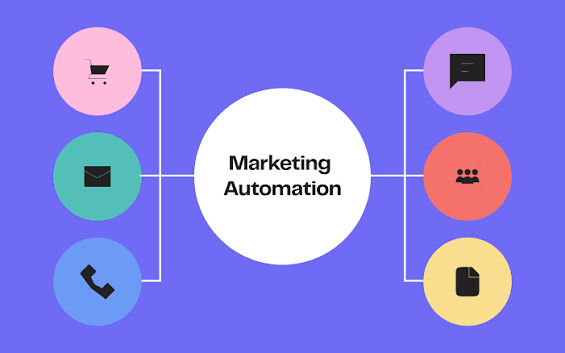
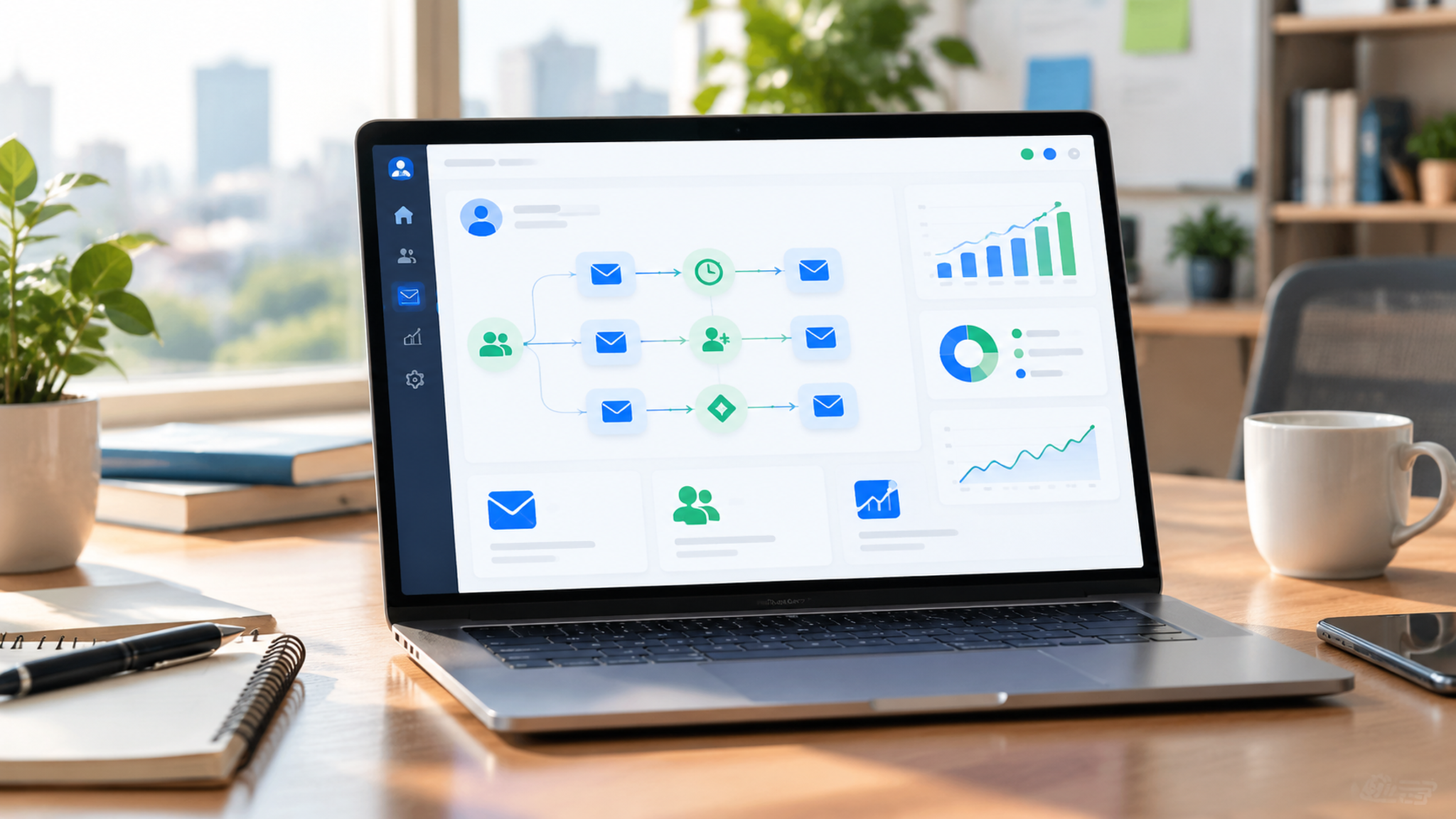
Integrating your crm software with email integration is the fastest way to turn leads into customers without manual follow-up. This guide walks founders and marketing managers through a practical setup: architecture choices, authentication, template-ready nurture sequences, and a Kazi Agency implementation checklist so your automations drive consistent revenue.
Quick answer
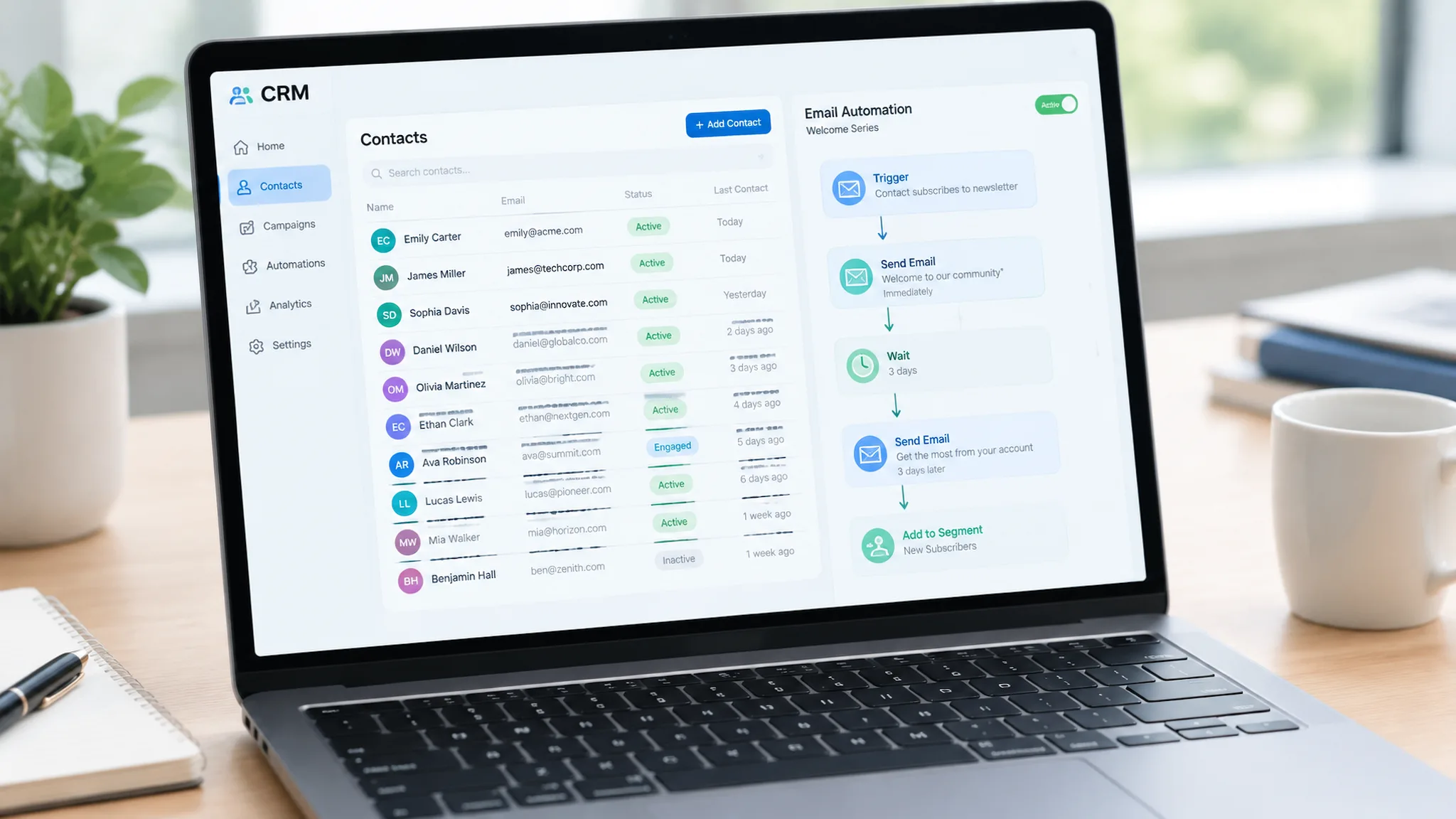
Use a CRM that either includes built-in email marketing or offers a native integration/connector to your email provider. Authenticate sending domains (SPF/DKIM/DMARC), map contact fields for personalization, build staged nurture sequences, then test and monitor engagement to sync activity back into the CRM for scoring and sales follow-up.
Why CRM + email integration matters
When crm software with email integration centralizes contact and engagement data, you get personalized, timed outreach at scale. Sales teams see opens, clicks, and replies on the contact timeline. Marketing can trigger drip campaigns based on behavior. The result: faster lead response, higher conversion rates, and measurable ROI.
Key benefits
Personalized outreach using CRM fields (name, company, stage).
Automated nurture sequences that convert cold leads to opportunities.
Closed-loop reporting: email metrics feed pipeline analytics.
Reduced manual tasks for sales reps—more selling time.
How to choose your approach (built-in vs. integrated vs. connector)
There are three common architectures: built-in email inside the CRM, native two-way integrations, or third-party connectors. Choose based on volume, deliverability needs, and analytics requirements.
Approach | When to pick it | Pros | Cons |
|---|---|---|---|
Built-in email (all-in-one CRM) | Small–mid teams who want one interface | Unified UI, easier setup, native data sync | May lag advanced deliverability tools or templates |
Native integration (CRM + email platform) | Growing teams needing specialized email features | Best-of-breed features, two-way engagement sync | Requires connecting and maintaining both tools |
Third-party connector (Zapier, APIs) | Custom workflows, legacy systems | Flexible, supports niche tools | More points of failure, harder to scale |
Essential setup steps (technical)
Follow this order to avoid common pitfalls and ensure reliable delivery.
Pick architecture: built-in email, native integration, or connector.
Map fields: email, first name, last name, company, lead source, lifecycle stage, tags.
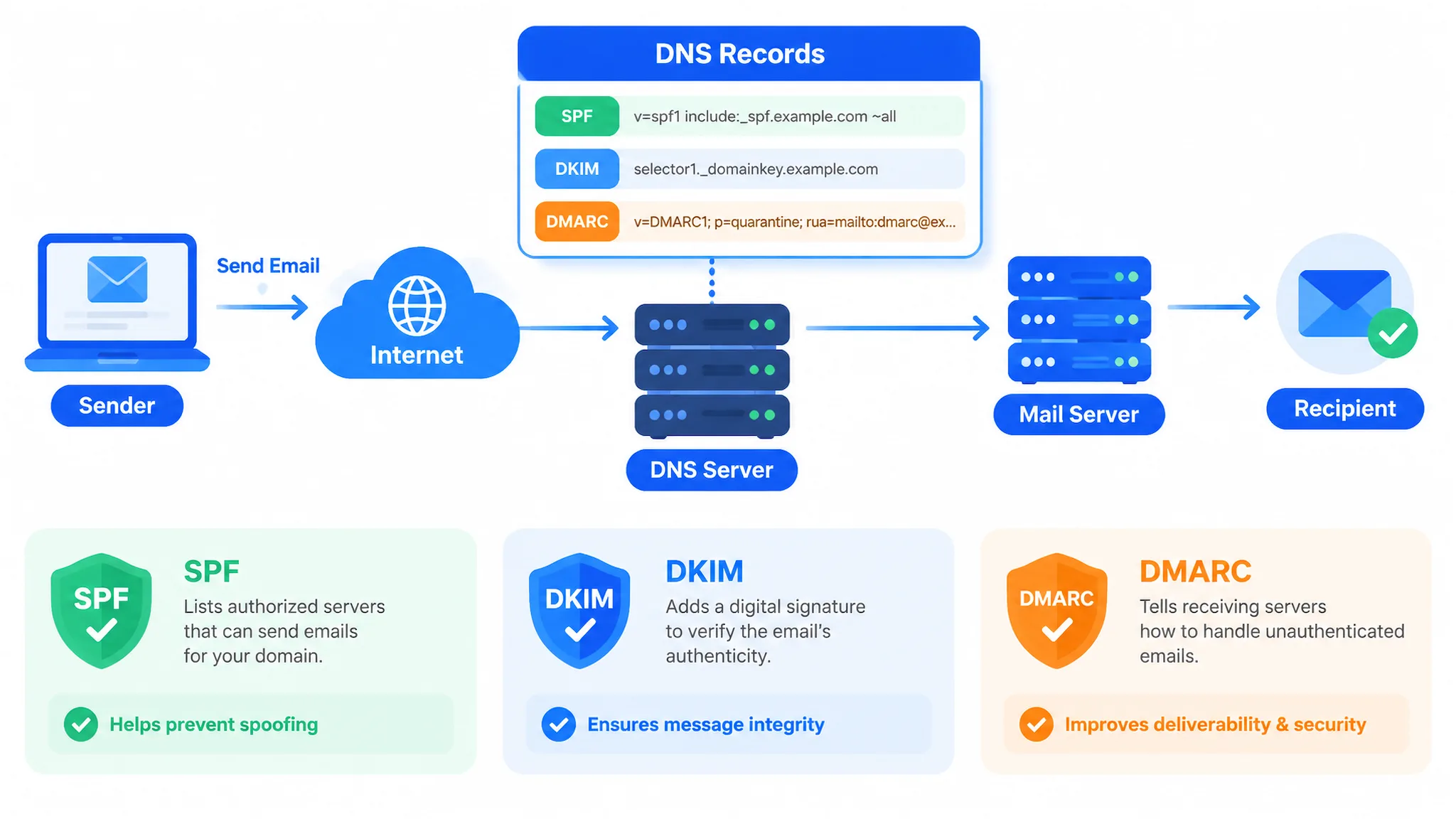
Authenticate sending domain: set SPF, DKIM, and DMARC for your sending domain—this reduces spam filtering.
Set reply handling: route replies to sales inboxes and log replies in the CRM.
Create suppression lists: unsubscribes, bounced addresses, and do-not-contact segments.
Enable two-way sync: ensure opens/clicks/replies update contact records for scoring.
Test: deliverability, personalization tokens, unsubscribe flow, and analytics.
Common technical mistakes we see
Skipping SPF/DKIM/DMARC—results in poor deliverability.
Not mapping CRM custom fields—leads to broken personalization tokens.
Failing to sync engagement back to CRM—sales loses context.
Overlooking suppression lists—creates compliance and reputation risks.
High-converting nurture sequence templates
Below are three tested sequence blueprints you can copy and adapt. Use personalization tokens from your CRM ({{first_name}}, {{company}}) and send based on lead source and activity.
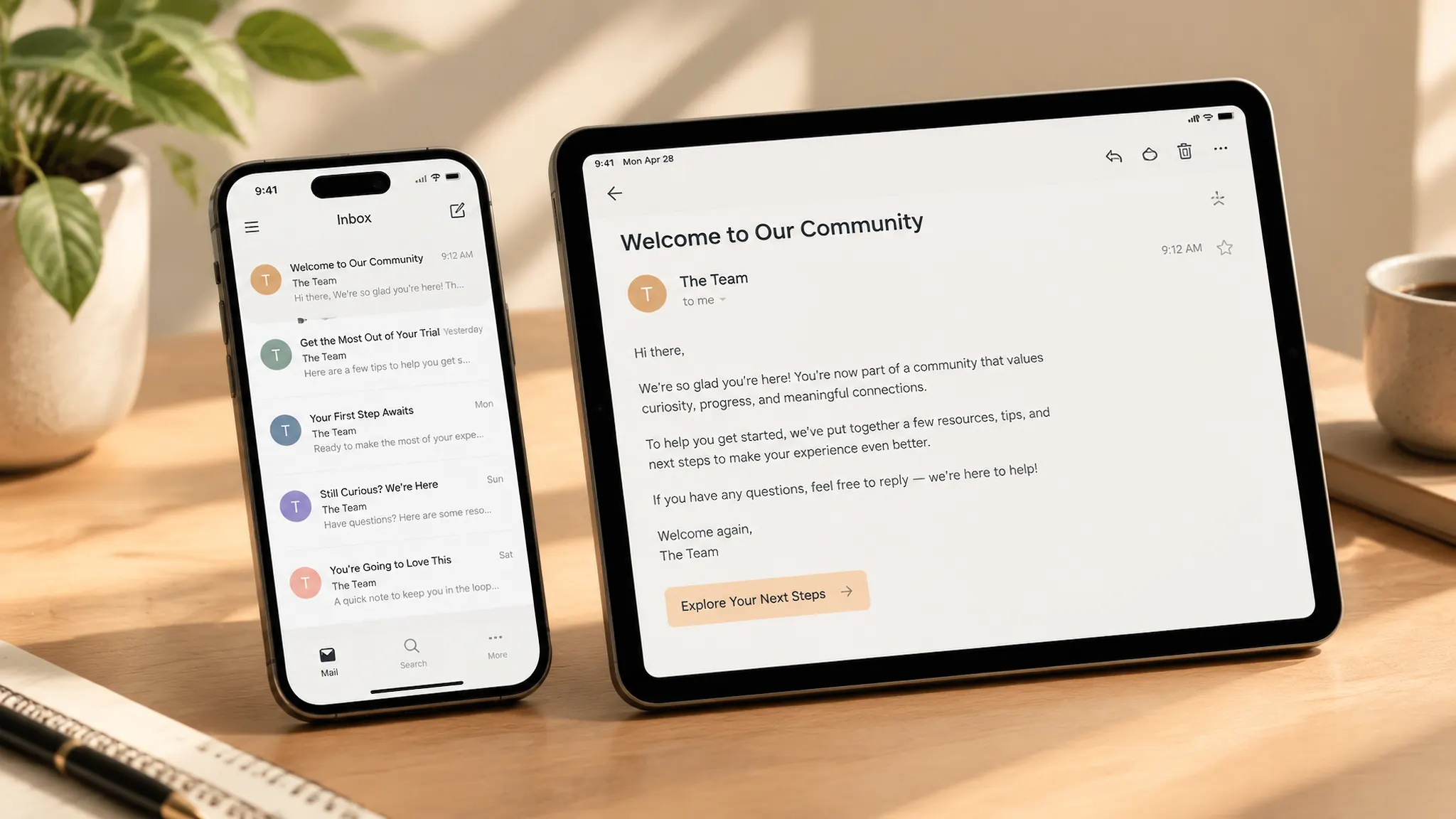
Welcome sequence (3 messages)
Day 0 — Welcome: Subject: "Welcome, {{first_name}} — Here's what to expect" Body: Thank them, set expectations, include a single CTA (schedule/demo or resource).
Day 3 — Value: Subject: "Top resources for {{company}} to get started" Body: Link to a guide, case study, or video. Soft CTA.
Day 7 — Social proof: Subject: "How similar teams get results" Body: Short case study + CTA to a demo or consultation.
Lead nurture (5 messages)
Intro + qualification (Day 0)
Problem-focused content (Day 2)
Solution-focused content + demo invite (Day 6)
Objection handling (Day 14)
Last touch with incentive (Day 21)
Trial-to-paid conversion (4 messages)
Onboarding tips (Day 0 of trial)
Use-case highlight (Day 5)
Success metrics + case study (Day 10)
Upgrade CTA + limited-time offer (3 days before trial ends)
Lead scoring & workflow triggers
Score leads using a combination of firmographic and behavioral signals so that automated emails and sales tasks fire only for qualified prospects.
Assign +10 for demo booking, +5 for high-value page visits, +3 for email clicks.
Use negative scoring for inactivity or unsubscribes.
Trigger sales tasks (SMS, call) when score passes thresholds.
Testing, monitoring, and analytics
Track opens, clicks, replies, conversions, and how email engagement maps to pipeline movement. Dashboards should show conversion rate by sequence, time to first reply, and revenue influenced by nurture campaigns.
What to monitor weekly
Deliverability and bounce rate
Open and click-through rates by segment
Unsubscribe and spam reports
Lead-to-opportunity conversion and time-to-contact
Kazi Agency implementation checklist
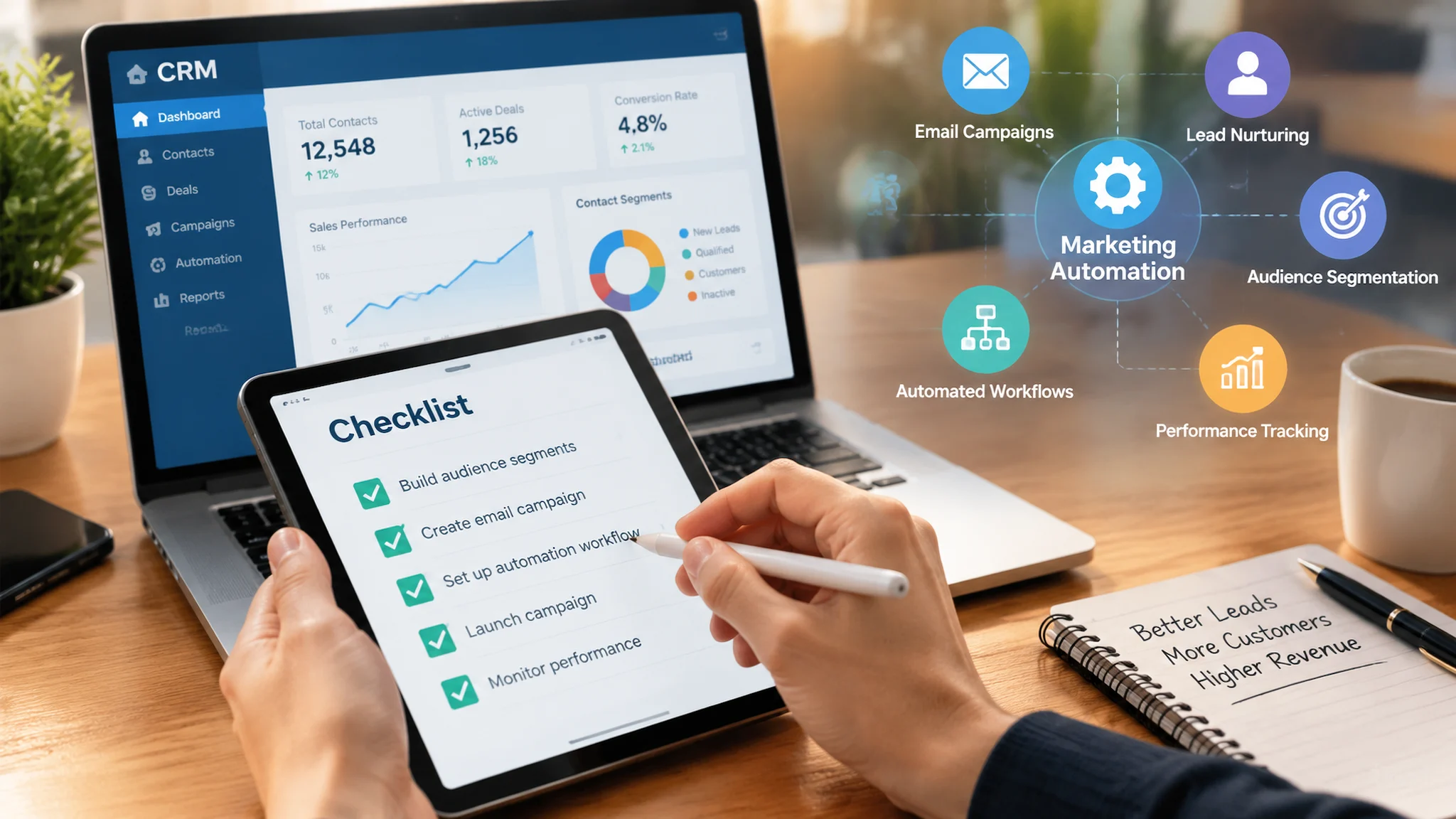
Use this checklist to launch quickly and safely. We follow these steps with clients to ensure measurable impact.
Define goals and KPIs (MQLs, demo bookings, revenue targets).
Audit current systems and contacts (CRM & Pipeline Management).
Choose architecture (built-in vs integrated) and set up accounts.
Verify domain auth (SPF/DKIM/DMARC) and warm new sending domains.
Map and import contact fields; dedupe and segment lists.
Build core sequences (welcome, nurture, trial-to-paid) using templates above.
Configure lead scoring and sales task automation.
Test end-to-end (deliverability, tokens, suppression, CRM sync).
Launch with A/B tests for subject lines and send times.
Set recurring reporting in Analytics & Reporting and iterate monthly.
First-hand experience: what we’ve seen work
From our work at Kazi Agency we’ve observed consistent gains when teams pair CRM-driven personalization with fast follow-up. For example, Apex Wellness Group used marketing automation to cut lead response time from 6+ hours to 4.2 minutes and increased bookings by 217%—showing how quick automated contact rules improve conversions. TechStack Pro combined CRM lead scoring and synced engagement to save sales reps 12 hours per week while building a $2.1M pipeline.
These wins come from technical discipline (authentication, clean data), purposeful content (value-first sequences), and tying email metrics to pipeline outcomes in the CRM. For more case studies, see our work on Apex Wellness Group and TechStack Pro.
Common mistakes and how to avoid them
Rushing to send to a large list without warming the domain—start small and scale.
Relying solely on opens—use clicks and replies as stronger engagement signals.
Not syncing behavioral data back to the CRM—sales loses context and timing.
Over-automating without human touch—blend automation with personal outreach for hot leads.
Summary & next steps
Setting up crm software with email integration requires technical setup (auth and sync), disciplined data mapping, and tested nurture sequences tuned for your buyer journey. Start with a clear architecture choice, implement the Kazi checklist, and use the templates above to launch your first campaigns.
If you want hands-on help building sequences, mapping data, or auditing deliverability, Book a free strategy call with Kazi Agency. We pair marketing automation, CRM, and AI to scale lead generation and sales workflows—see our Marketing Automation Services for details.
Conclusion: A successful crm software with email integration setup balances deliverability, personalization, and measurement. Follow the technical steps, deploy tested templates, and iterate using CRM-driven analytics to improve conversions and revenue.
Frequently Asked Questions
What are the 7 C's of CRM?
The 7 C's of CRM are clarity, consistency, customization, communication, convenience, credibility, and continuity. They guide how you collect and use customer data, tailor communications, and deliver consistent experiences across channels to build long-term relationships.
Why are people leaving Mailchimp?
Many users moved from Mailchimp due to pricing changes, feature limitations for advanced automation, and a shift toward all-in-one platforms that combine CRM, email, and marketing automation. Businesses often favor tools that centralize data and reduce point-tool complexity.
Is Zoho marketing free?
Zoho offers free tiers across some apps, but advanced Zoho Marketing features typically require paid plans. Costs and limits change over time—check Zoho's current pricing page for details and compare what you need for email limits, automation and integrations. [ADD SOURCE: Zoho pricing page link]
What is the 60/40 rule in email?
The 60/40 rule suggests keeping 60% of your email content focused on value (education, tips, helpful content) and 40% on promotion (offers, CTAs). This balance improves engagement and reduces unsubscribes while still driving conversions.
How does CRM integration with email help small businesses?
Integrating CRM and email centralizes contact data, automates nurture flows, and surfaces engagement signals to sales. Small businesses gain faster lead follow-up, personalized messaging, and measurable funnels—often increasing leads and conversions while saving staff time.
Kazi Agency Team — AI marketing automation and CRM specialists helping SMBs scale lead generation